
Blender
Modeling, lighting, materials, and animation.
Cycles stills · EEVEE film
How I built, reviewed, and published the Pasadena walkthrough.
Modeling, lighting, materials, and animation.

Scripting, model corrections, and site development under my direction.

DNS for the custom domain.
Tabs, comparison views, and video chapters.
Site publishing and hosting.
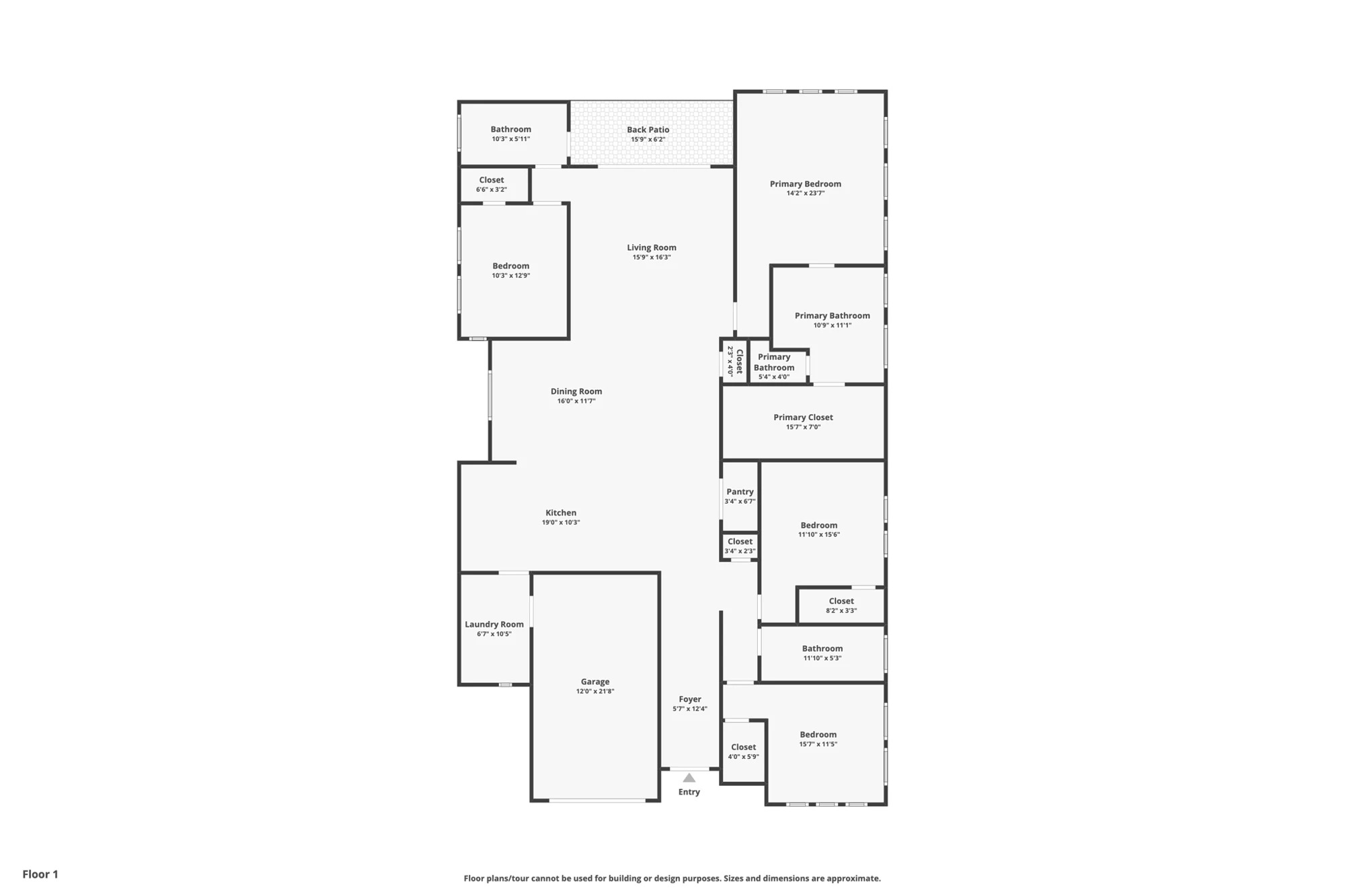
Label photos by room and viewpoint. Map doors and windows onto the floor plan; record estimated dimensions and unknowns.
Check Every room and connection has a reference or a stated assumption.
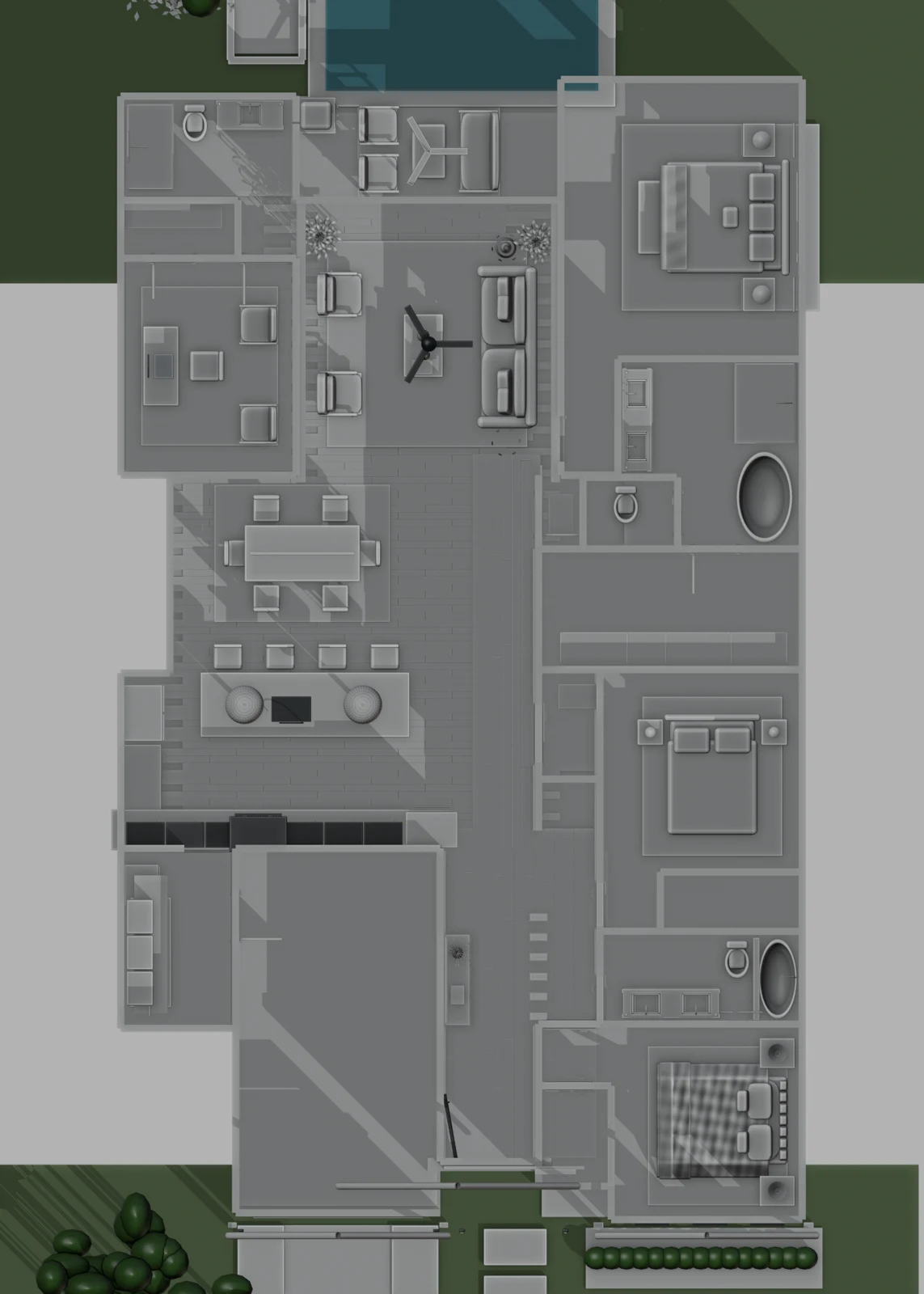
Build floors, walls, openings, and major fixtures before furnishings. Use the plan for room connections and photos for visible details.
Check Inspect overhead and eye-level views for disconnected openings or incorrect room assignments.
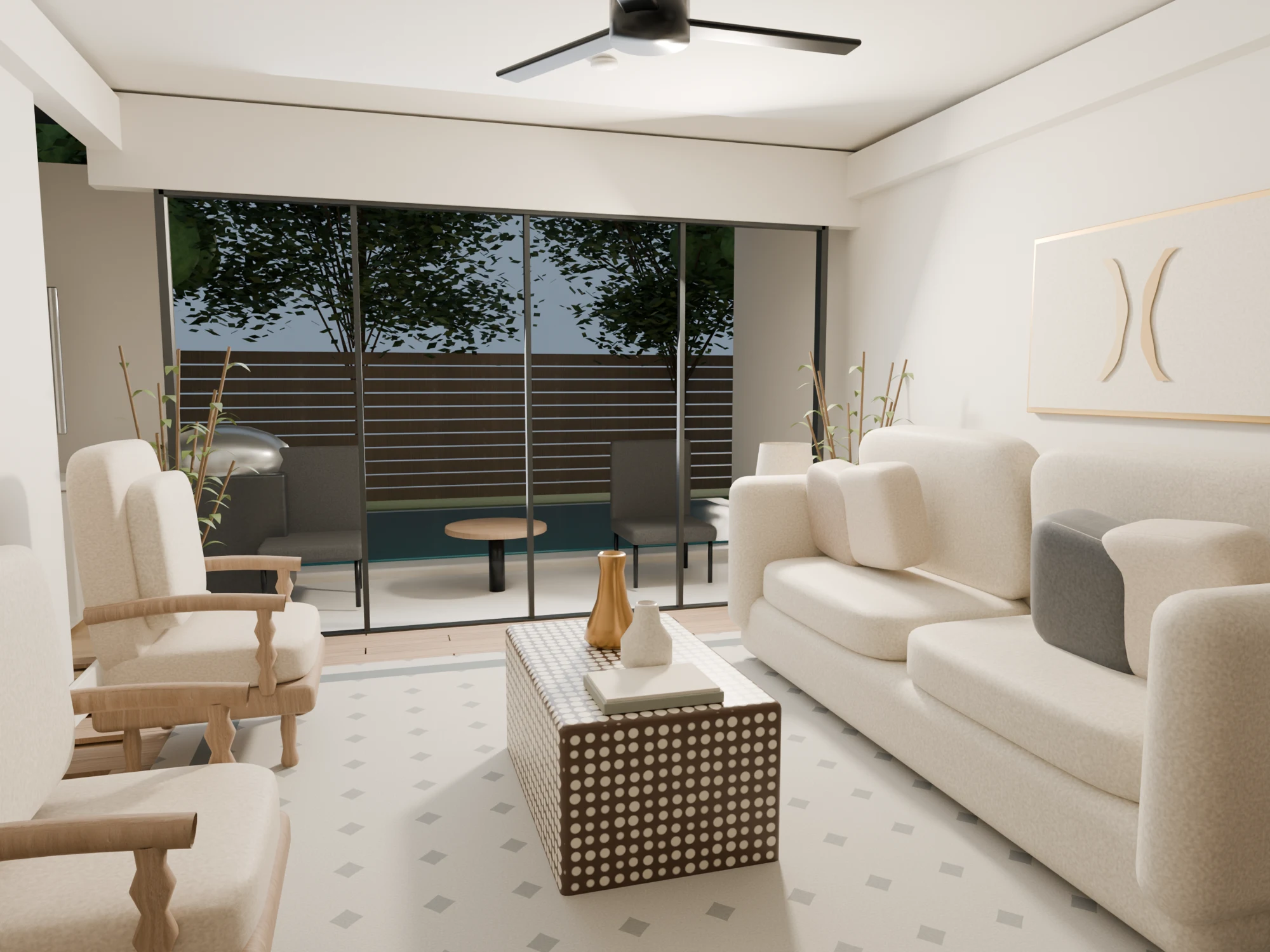
Lock one camera view. Refine daylight, texture scale, and furniture, then render a before-and-after comparison.
Check Compare proportions and finishes with the source photograph.
Extend the visual treatment room by room, checking doors, windows, fixtures, and circulation against the references.
Check Resolve visible mismatches before rendering; keep unsupported details marked as estimates.
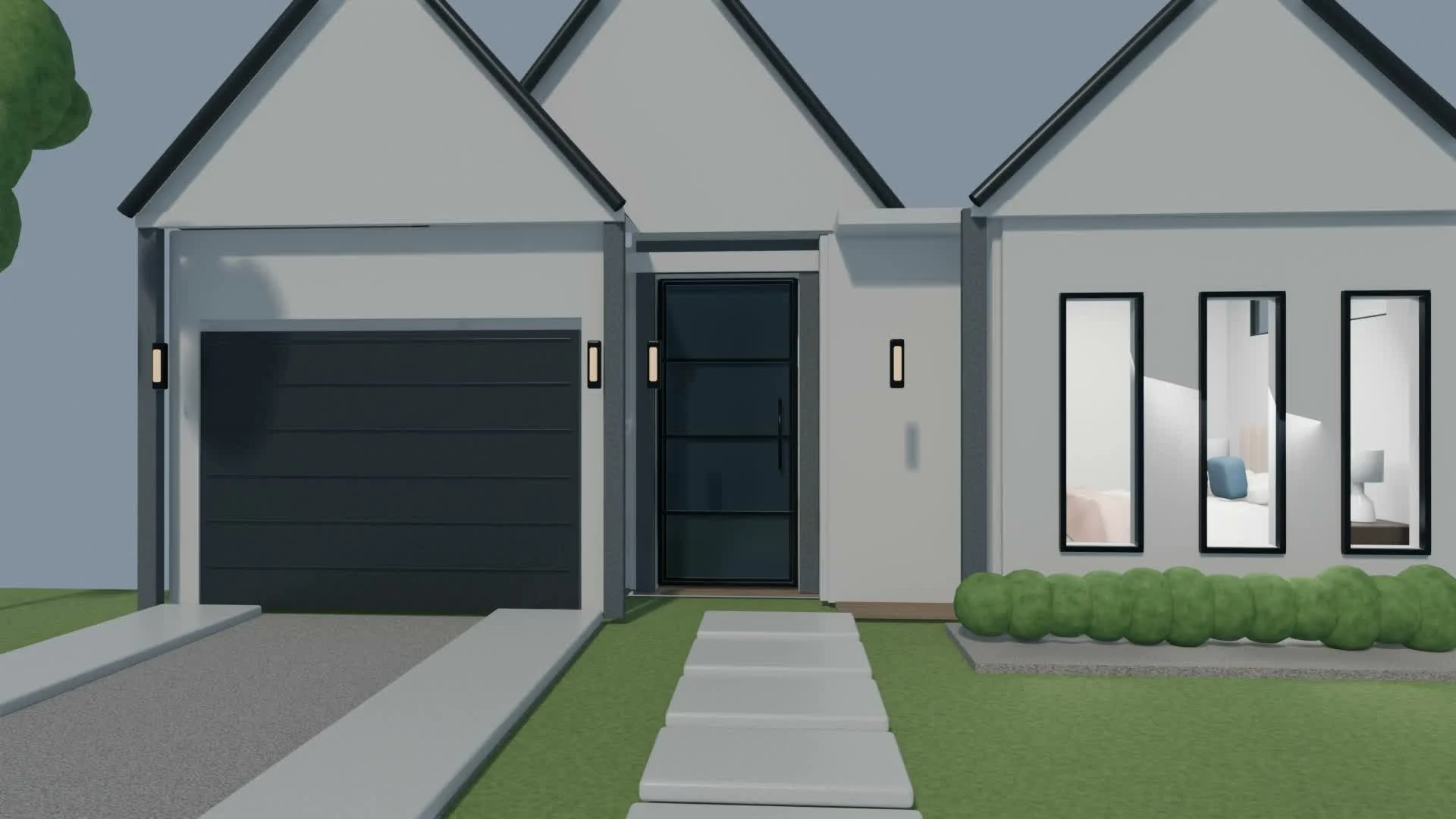
Animate an eye-level route from outside through connected rooms. Set the door origin at its hinge and time its opening to the camera’s arrival.
Check Preview pacing, turns, and doorway clearance at low resolution.
Render a short test before the full sequence. Review the export for clipping, abrupt motion, lighting changes, and intersections.
Check Watch the exported file, not just the Blender viewport.
Publish references, comparisons, and the film. State your role and AI’s contribution; test video chapters on the live site and mobile.
Check Visitors can identify your contribution and reach the result quickly.
The Blender scene, scripts, and full reference archive are not included.
The reconstruction uses photographs and an approximate listing floor plan. Unseen details and some dimensions remain interpretations. The living-room study uses Cycles; the film uses EEVEE, so lighting and reflections differ.
The published film is a 3D render, not generative video.